
Home / Shop / Networking
Networking
Home Networking & Whole-Home Wi-Fi
Every smart device depends on your Wi-Fi. Start with a mesh system that covers the whole house, or have a dealer design a wired network with ceiling access points and a proper equipment rack.
Shop Now
Start yourself: DIY Wi-Fi
For most homes, a mesh system is the simplest upgrade. Tech-savvy owners may prefer a router they can manage in more detail.
eero
eero Pro 7 (3-pack)
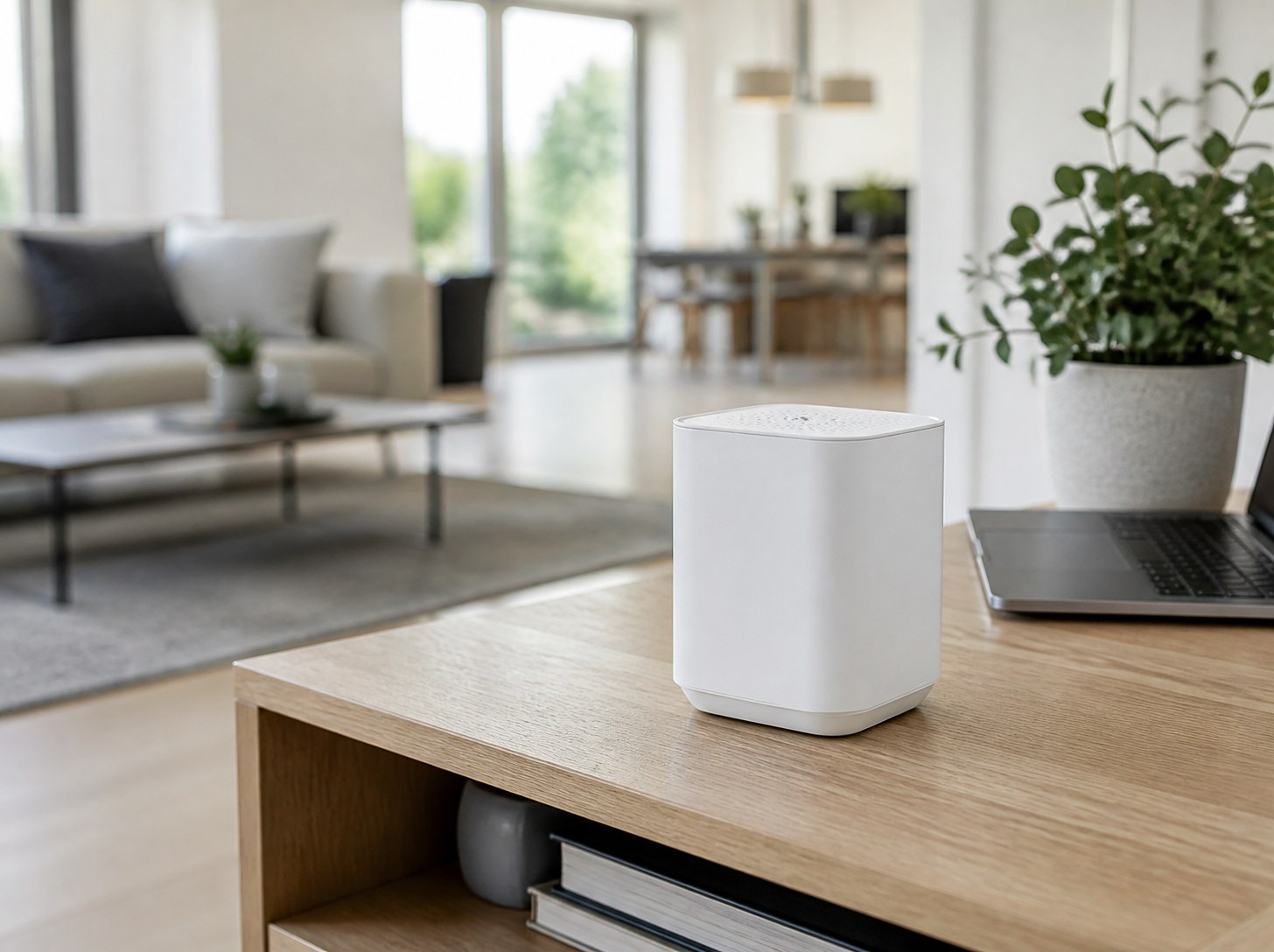
Wi-Fi 7 mesh that is simple to set up in the app and covers large homes, with fast wired ports on every unit.
Wi-Fi 7 · Up to 2,000 sq ft per unit · Two 5 GbE ports
About $700 for 3

Ubiquiti
UniFi Dream Router 7
A powerful all-in-one router for tech-savvy owners, with the UniFi app and room to add access points and cameras later.
Wi-Fi 7 · About 1,750 sq ft coverage · 10G SFP+ · PoE port
About $279
Not sure which way to go?
Tell us about your home. We’ll send a specialist to walk the property and recommend DIY gear or a full system.
For Installers
Become a Featured Installer
Put your company in front of homeowners planning home networking projects in your area. Featured spots are limited to a few pros per region.
By Consultation
Professional networks
A wired backbone, managed equipment and ceiling access points designed around how the house is used.
Araknis
Managed Switches and Routers
Business-grade network gear built for smart homes, which your dealer can monitor and fix remotely.
Managed switches · PoE for cameras and access points · Remote monitoring
Designed, installed and programmed by a certified dealer. Priced per project.
Infrastructure
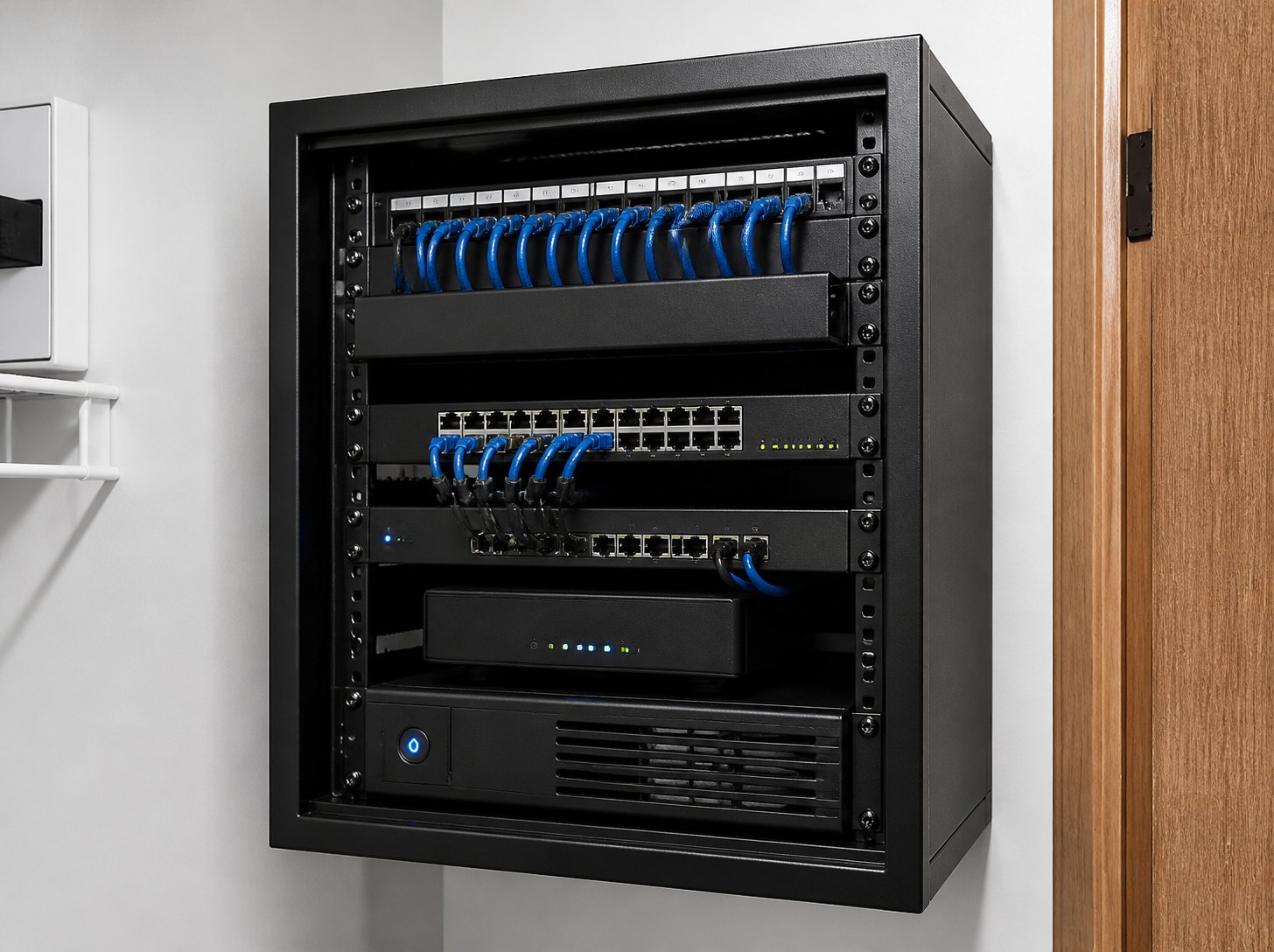
Equipment Rack and Structured Wiring
Network cable to every TV, desk, access point and camera, ending in a ventilated rack with power protection.
Cat6 to each location · Ventilated rack · Battery backup
Designed, installed and programmed by a certified dealer. Priced per project.
Wi-Fi Design
Ceiling Access Points
Access points mounted flush in the ceiling and placed by a site survey, so coverage reaches every room, the patio and the pool.
Ceiling access points · Site survey · Indoor and outdoor coverage
Designed, installed and programmed by a certified dealer. Priced per project.
Real Installs
See these systems in finished homes
Project walkthroughs and photos from real luxury installs are coming to the Journal.
Compare
Every option at a glance
| Product | Type | Wi-Fi | Coverage | Best for | Typical price |
|---|---|---|---|---|---|
| eero Pro 7 | Mesh system | Wi-Fi 7 | ~2,000 sq ft per unit | Most homes | ~$700 (3-pack) |
| UniFi Dream Router 7 | Router | Wi-Fi 7 | ~1,750 sq ft | Tech-savvy owners | ~$279 |
| Araknis | Managed network | Varies | Whole home | Pro systems | By quote |
| Ceiling access points | Wired access points | Varies | Whole property | New builds, large homes | By quote |
Prices are typical online prices and change often. Pro systems are quoted per project.
Explainer
Mesh Wi-Fi or wired access points?
Both create whole-home coverage. The difference is how the units connect to each other.
Mesh Wi-Fi
How it connects: units relay the signal to each other wirelessly
Install: DIY in under an hour
Best for: existing homes without network wiring
Trade-off: speed can drop with each wireless hop
Wired access points
How it connects: every access point has its own network cable
Install: dealer-installed, ideally before drywall
Best for: new builds and large homes
Trade-off: higher up-front cost
Rule of thumb: building new? Run network cable to every TV, office and ceiling access point location. Upgrading? A Wi-Fi 7 mesh system is the easy win.
FAQ
Home networking questions
How many mesh units do I need?
Start with about one per floor, or one per 1,500–2,000 sq ft, then add units where the signal is weak. Concrete and block walls usually need more.
Do I need Wi-Fi 7?
Not yet for most homes. Wi-Fi 7 helps with fast internet plans and lots of devices at once, and it is a sensible choice if you are buying new equipment anyway.
Why does my smart home need a good network?
Cameras, speakers, doorbells and hubs all depend on Wi-Fi. Many smart home problems are really weak Wi-Fi.
Should new construction include network wiring?
Yes. Running network cable to TVs, offices and ceiling access points before drywall costs far less than adding it later.
Can I just use my internet provider’s router?
You can, but a dedicated mesh system or router usually gives better coverage and more control.
Planning a network for a new build?
Tell us about the house. We’ll send a specialist to walk the property and match you with the right installer.